You stay in control
Arbor does not hold your money or place trades. You choose your plan and where to invest.
Your investment companion
Build a plan you understand. Buy through your chosen provider, then record your purchase in Arbor to follow your progress.
Philippines-first · Private beta · Plus trial included
How Arbor works
Arbor helps you plan and understand your investments. It does not hold or move your money.
Create your account and confirm your email. Answer five short questions, compare approaches and review the plan you choose.
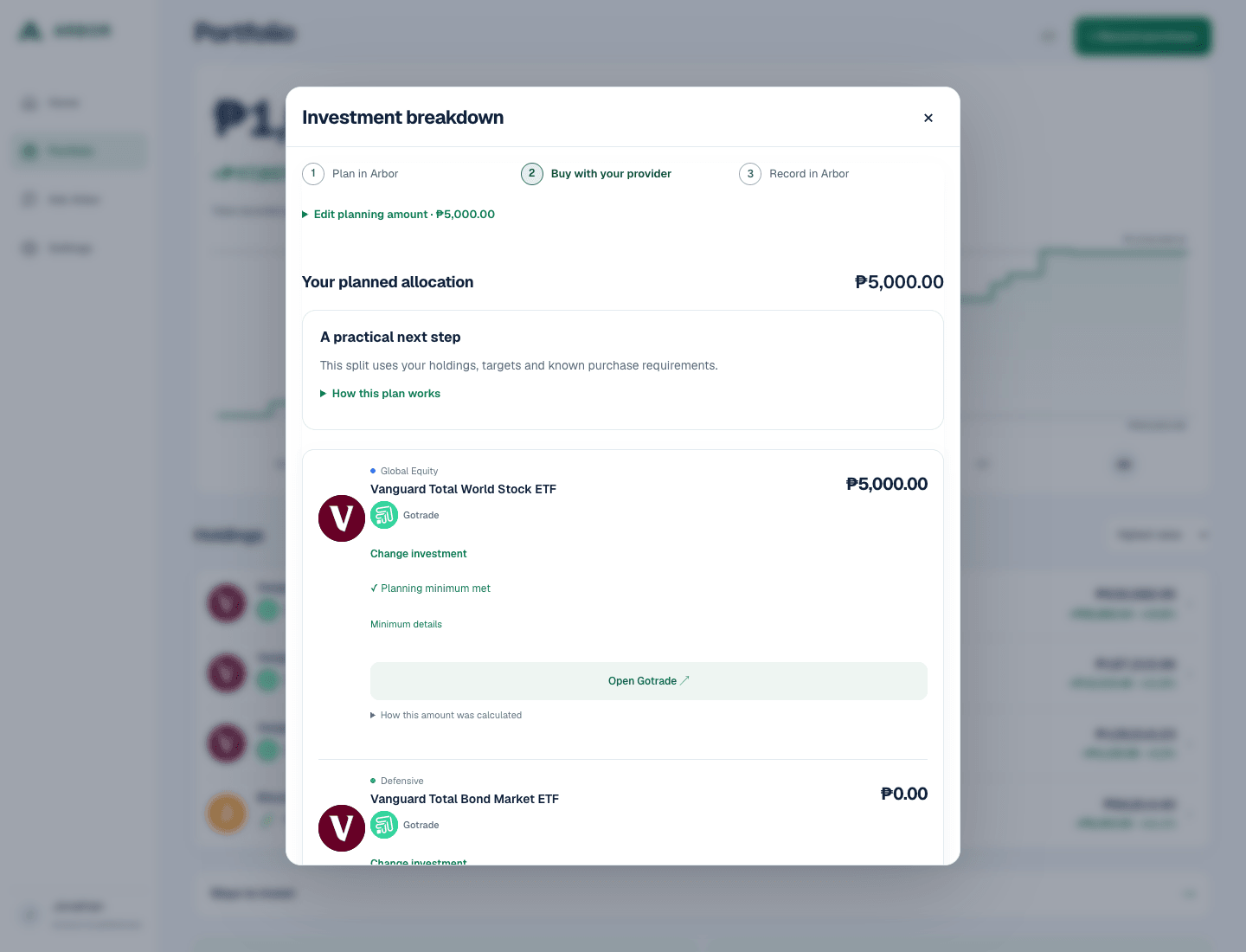
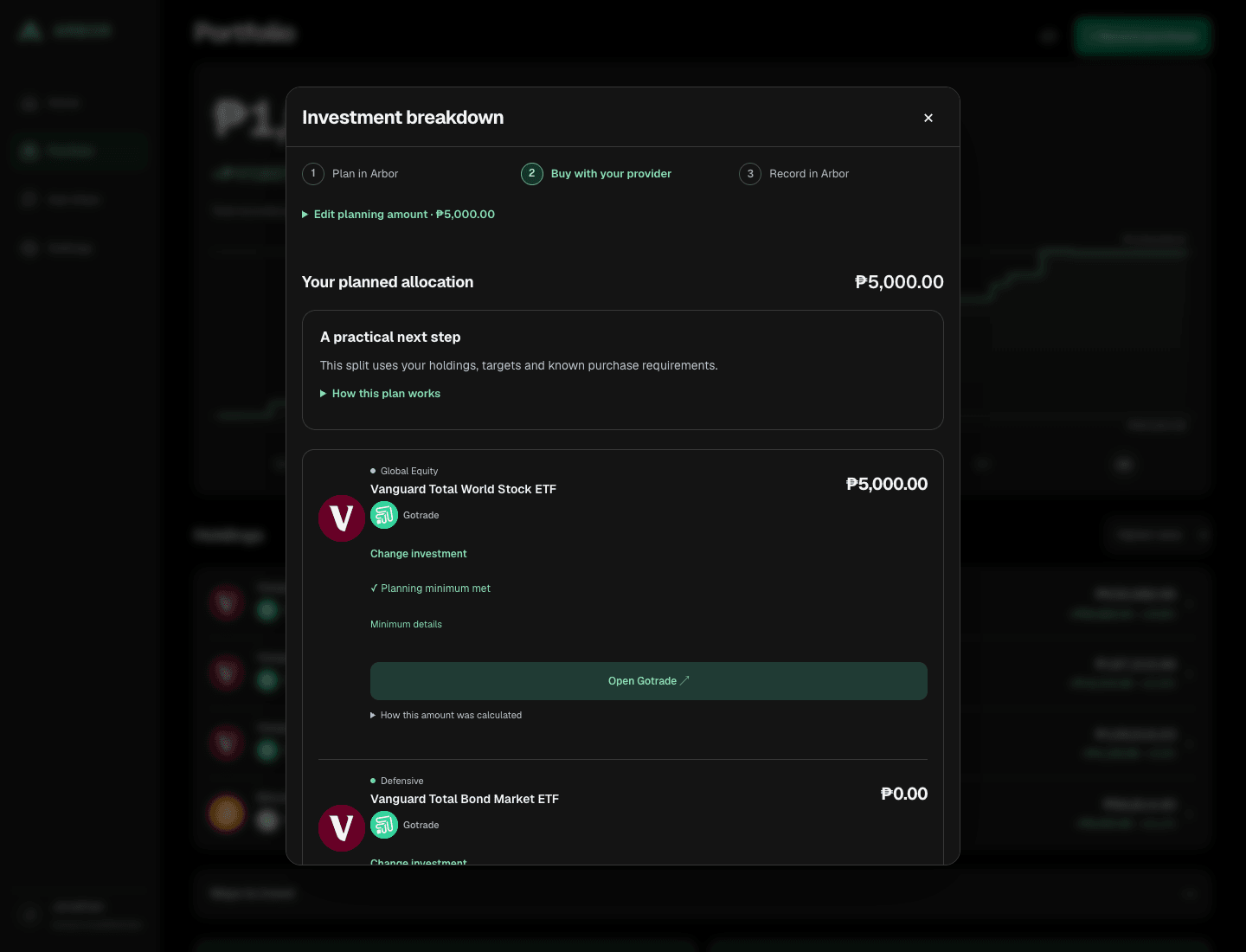
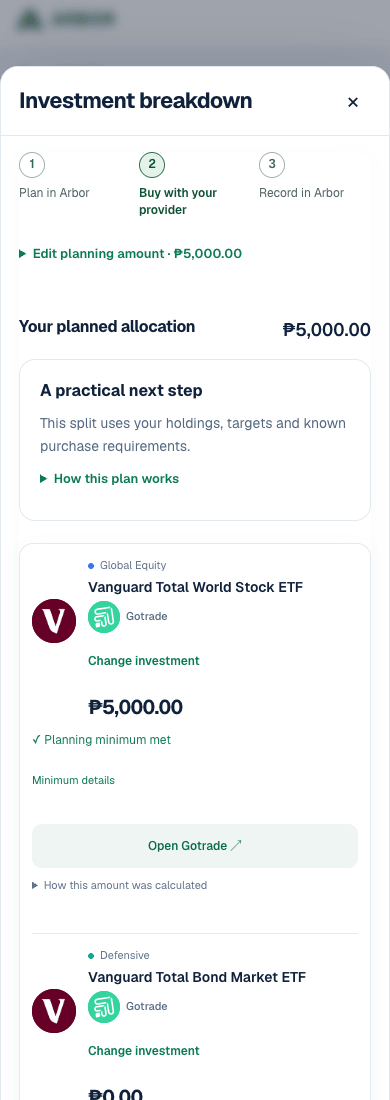
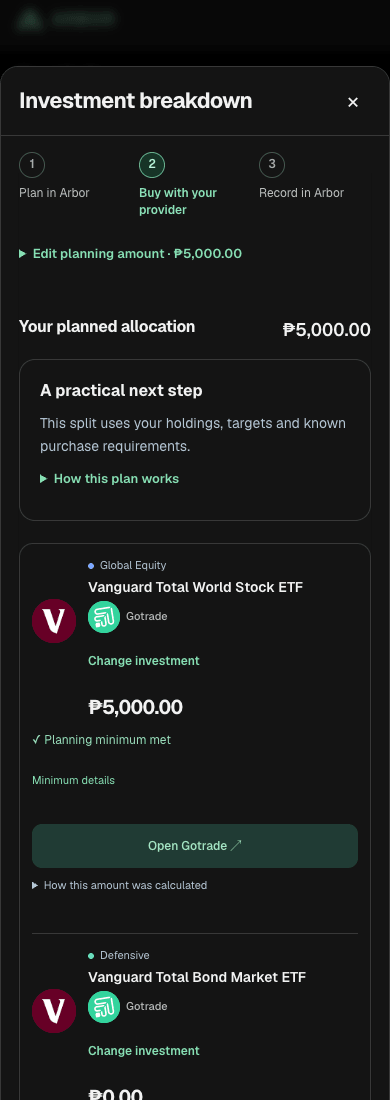
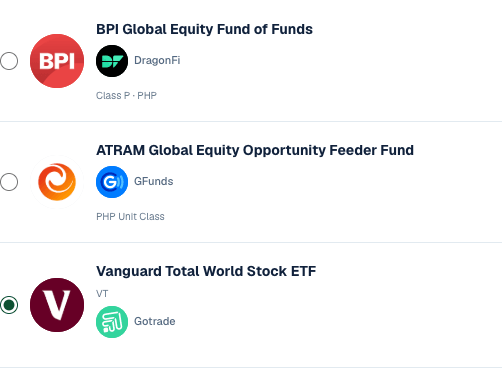
When your plan allows it, explore Ways to invest. Choose an investment and provider, or choose later. Buy through the provider, outside Arbor.
After your provider completes the purchase, choose Record purchase. Enter the purchase date, actual units or shares, and PHP paid. Review the details, then choose Save record.
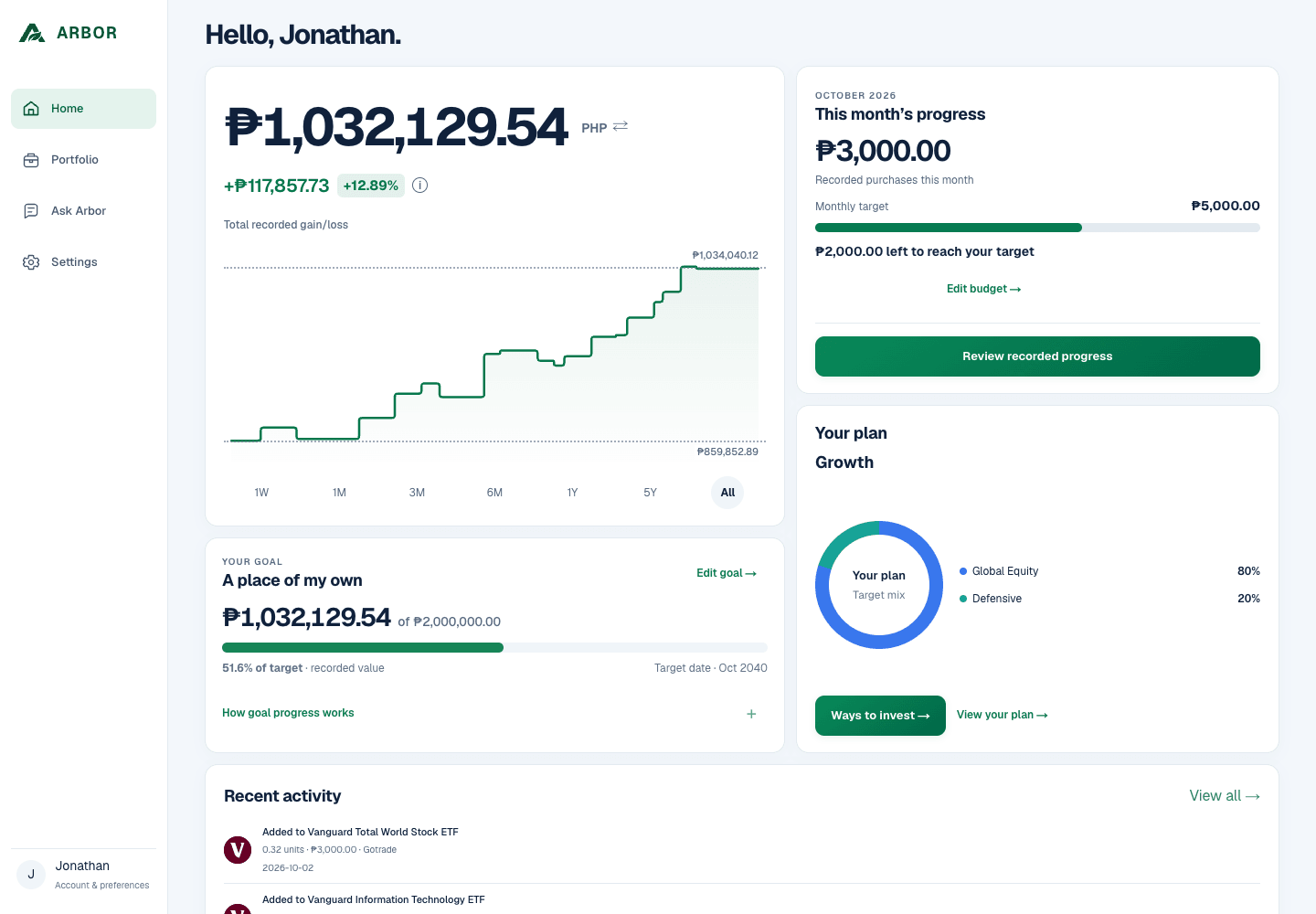
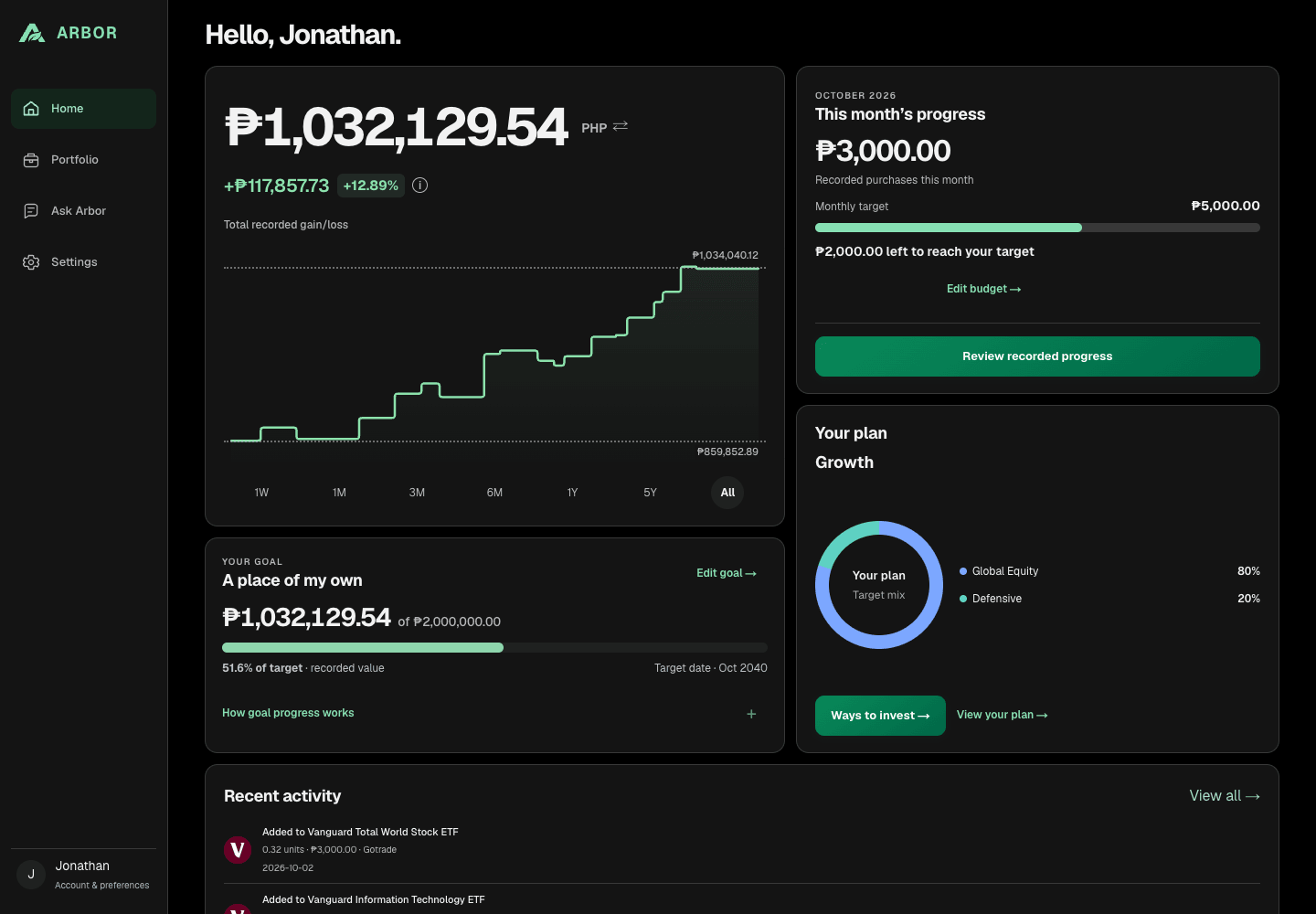
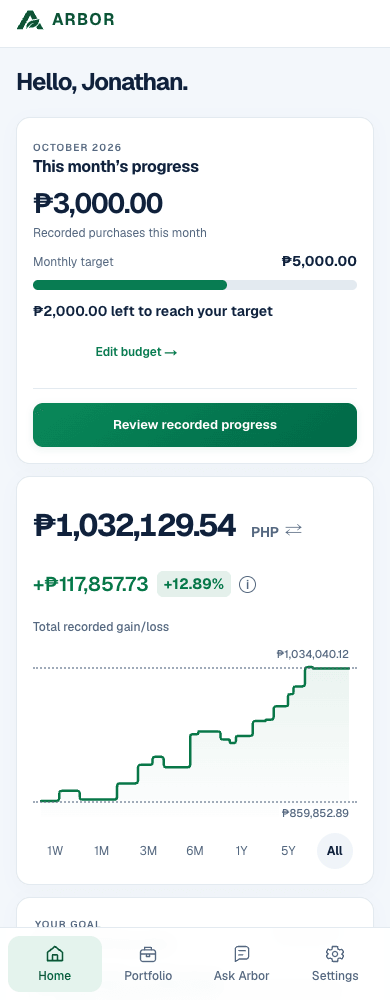
Home shows one next step based on your saved plan and available records. You can choose a provider later. Provider costs, eligibility and availability apply.
Your portfolio, in perspective
Follow how your recorded portfolio has changed over time. Explore a week, a month or the whole journey in PHP or USD. Sort your holdings to see the numbers that matter to you.
Contributions stay separate from investment gain.
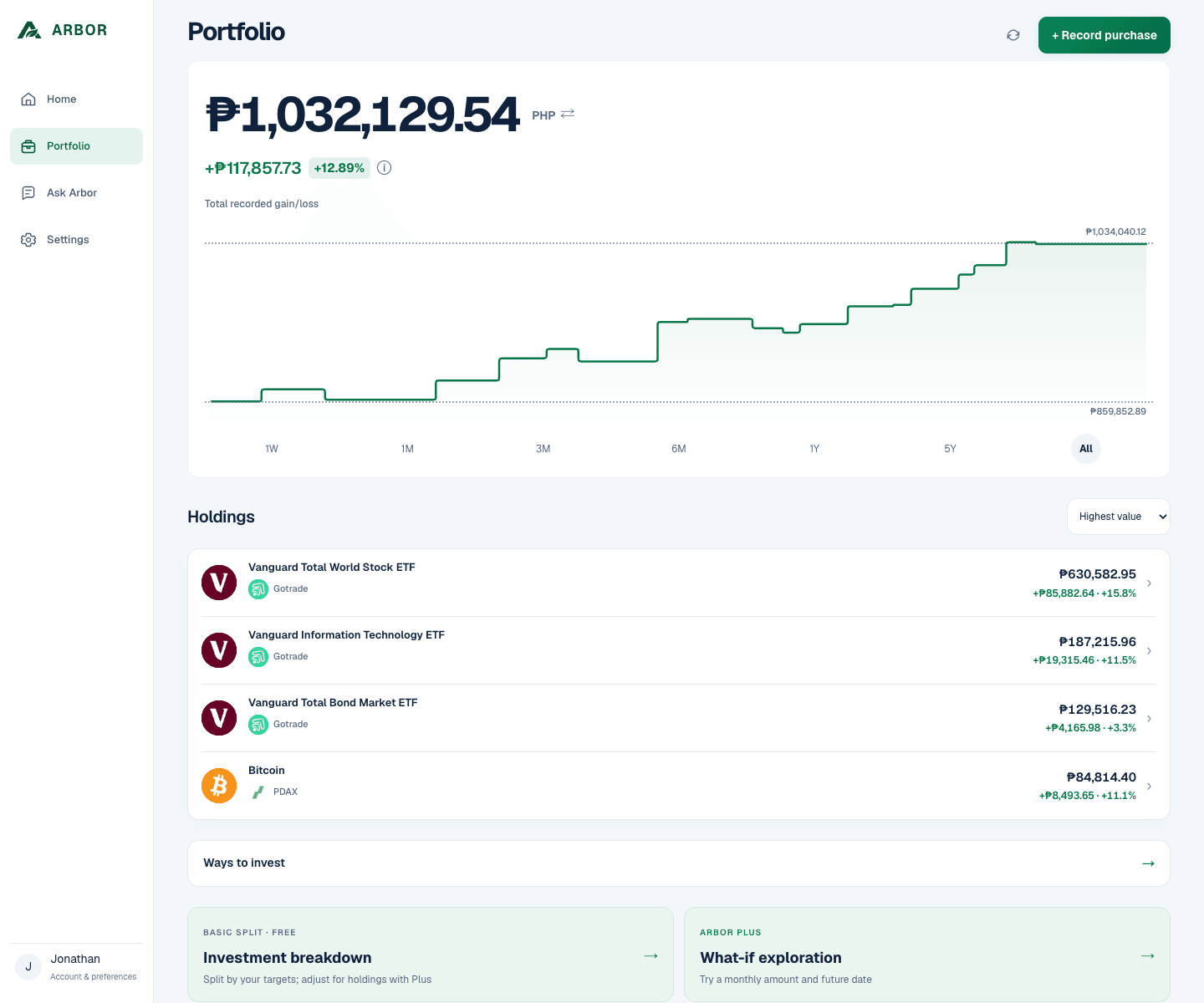
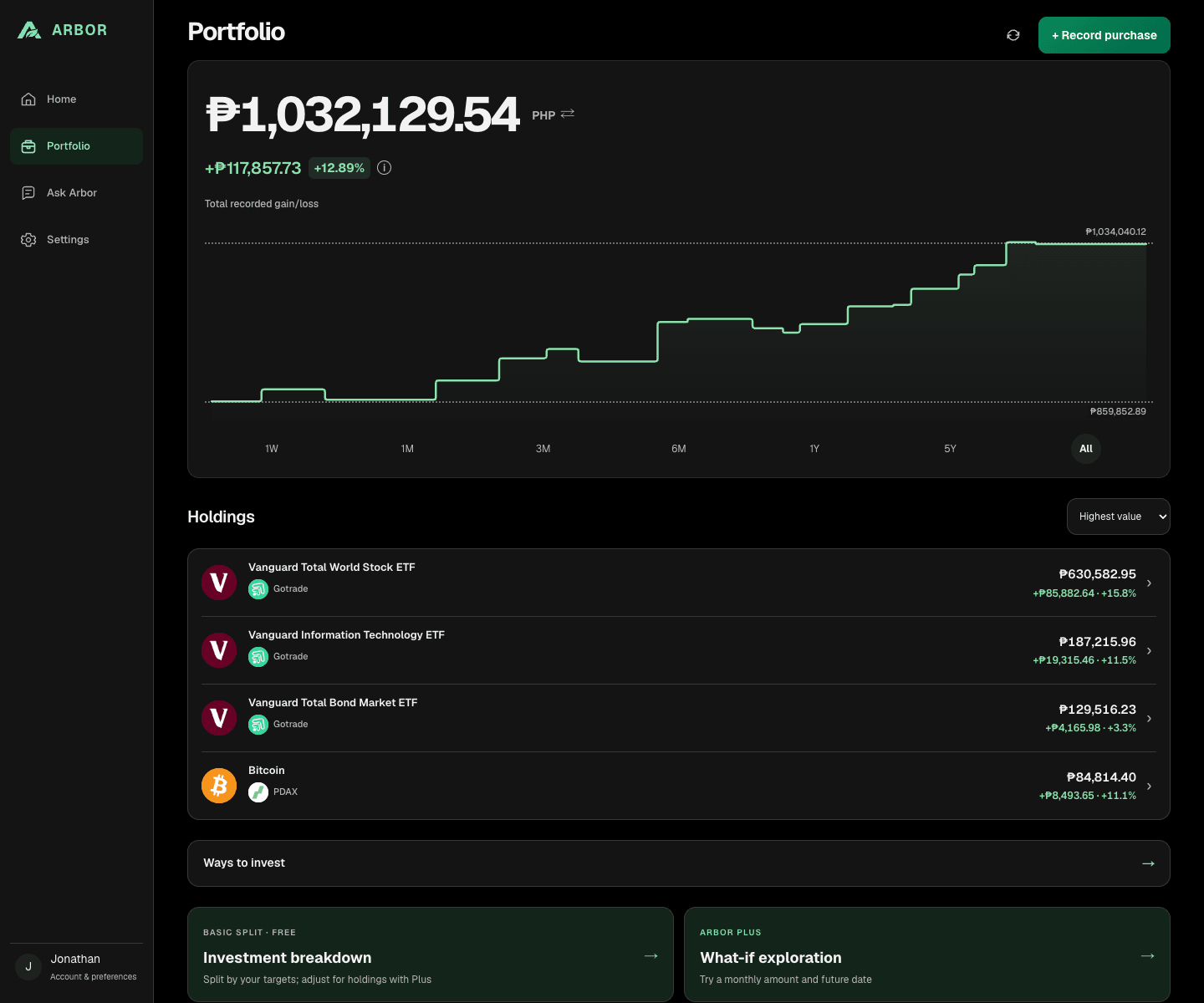
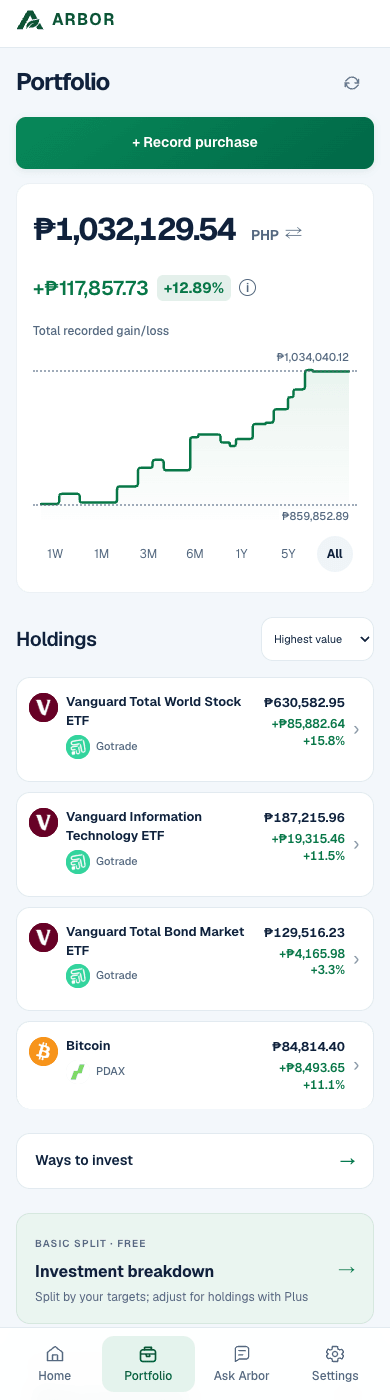
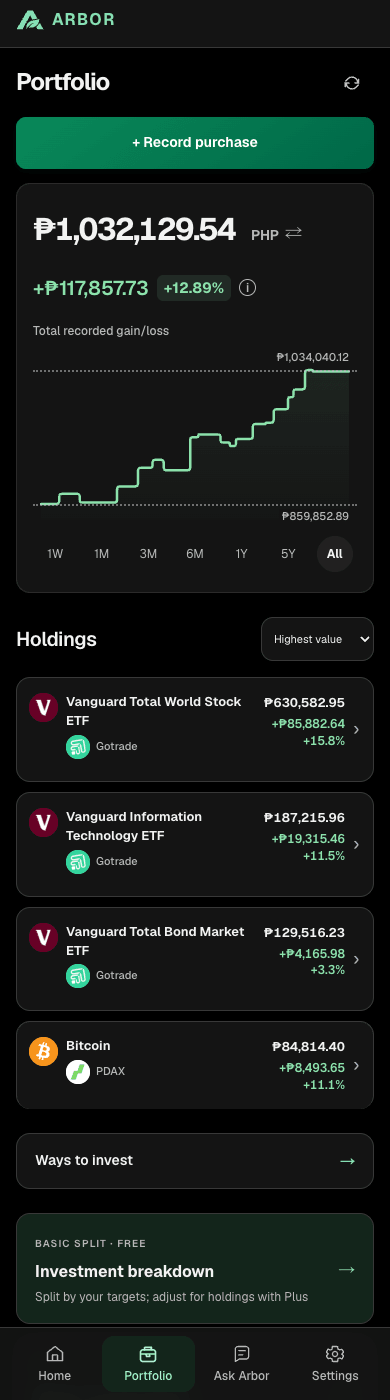
1W · 1M · 3M · 6M · 1Y · 5Y · All
PHP or USD portfolio view
Gain/loss for the selected period
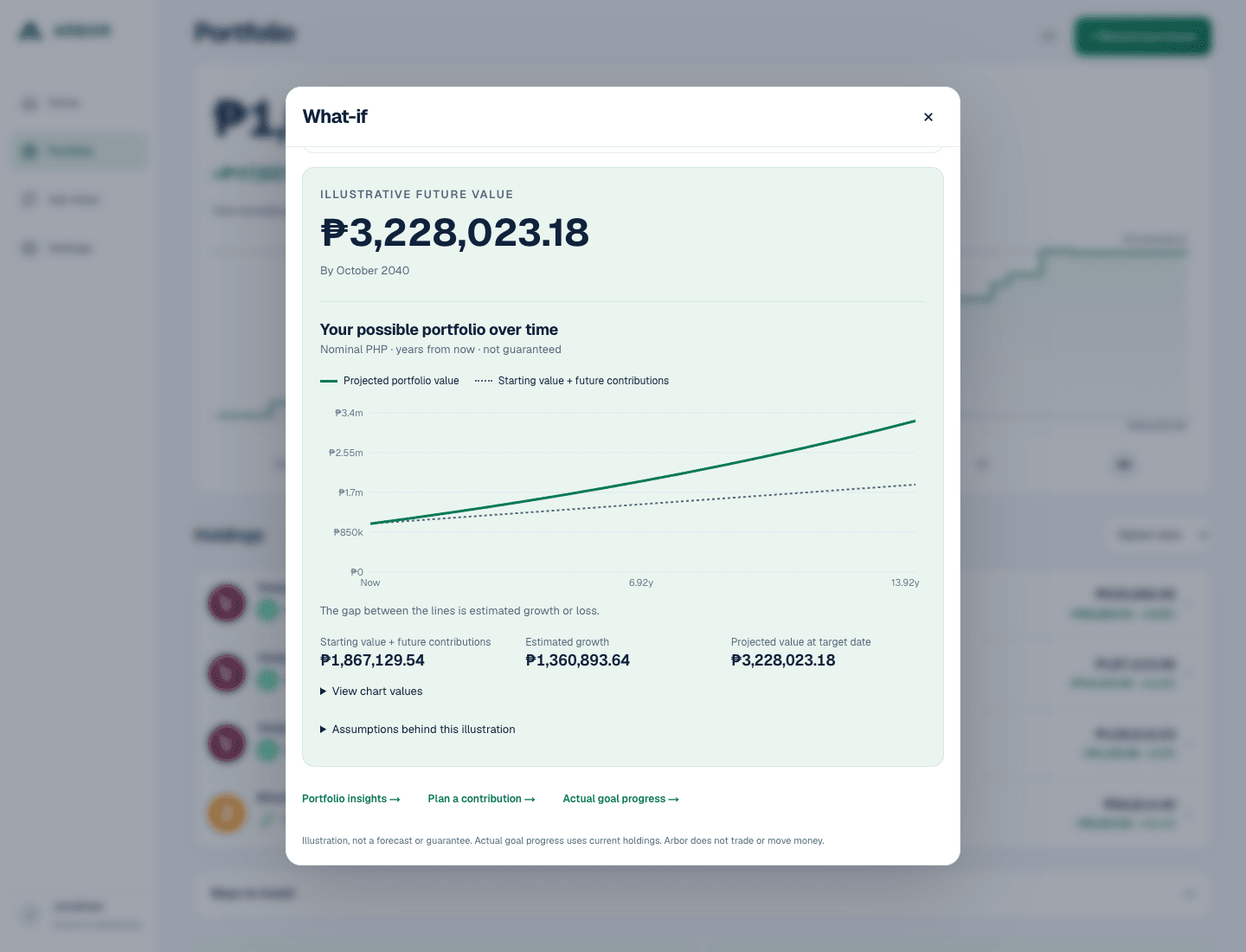
Arbor Plus · What-If
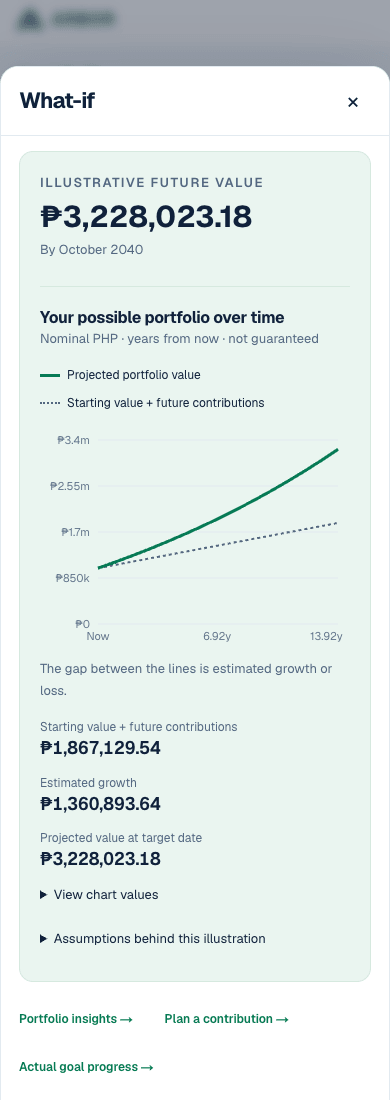
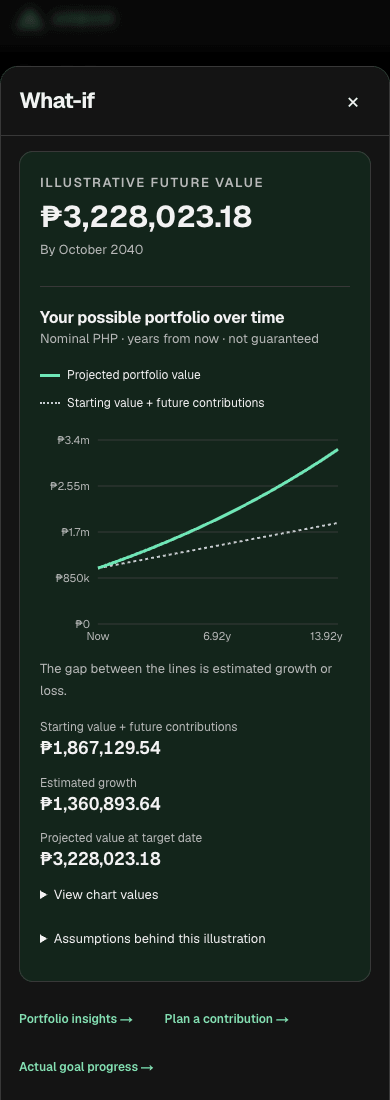
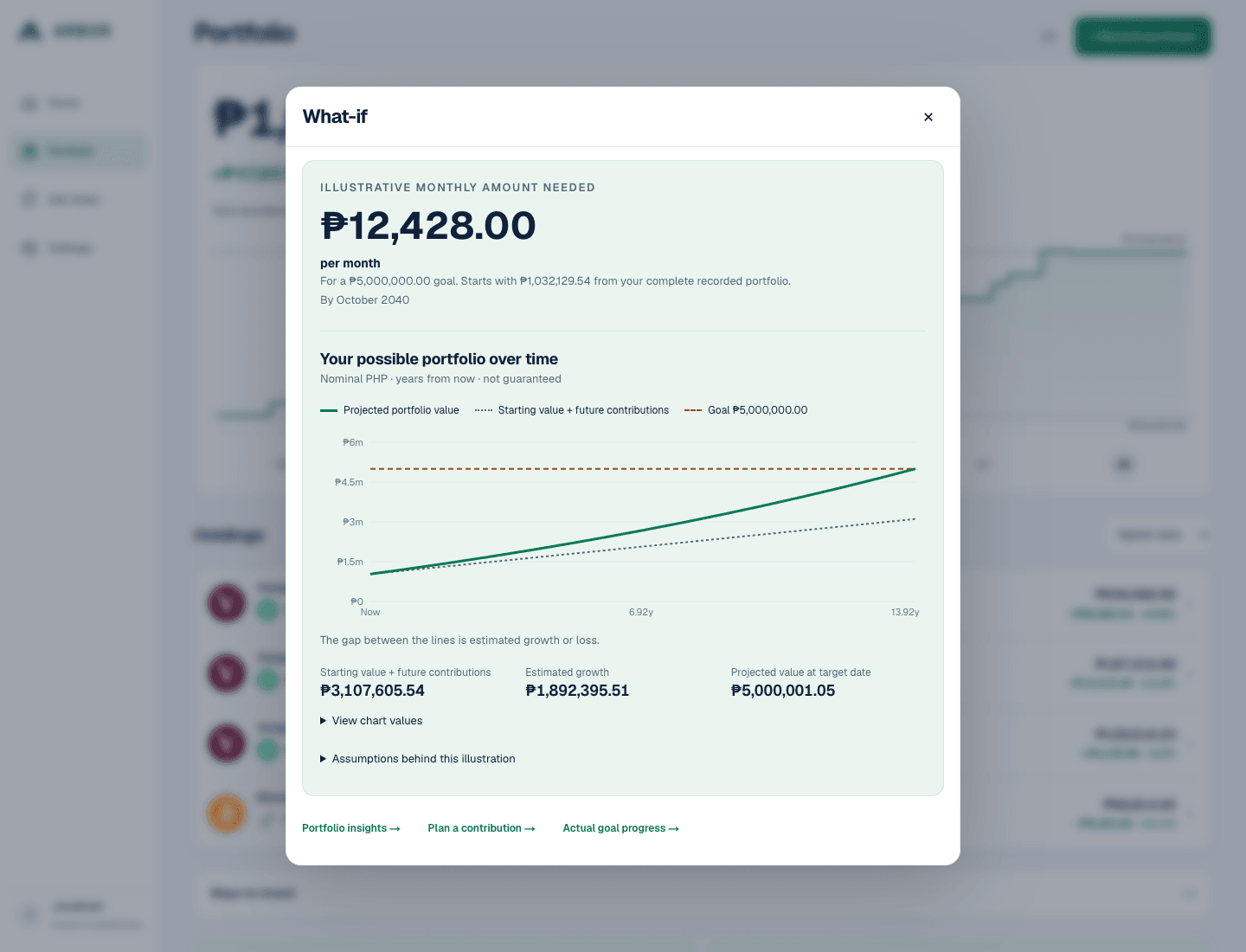
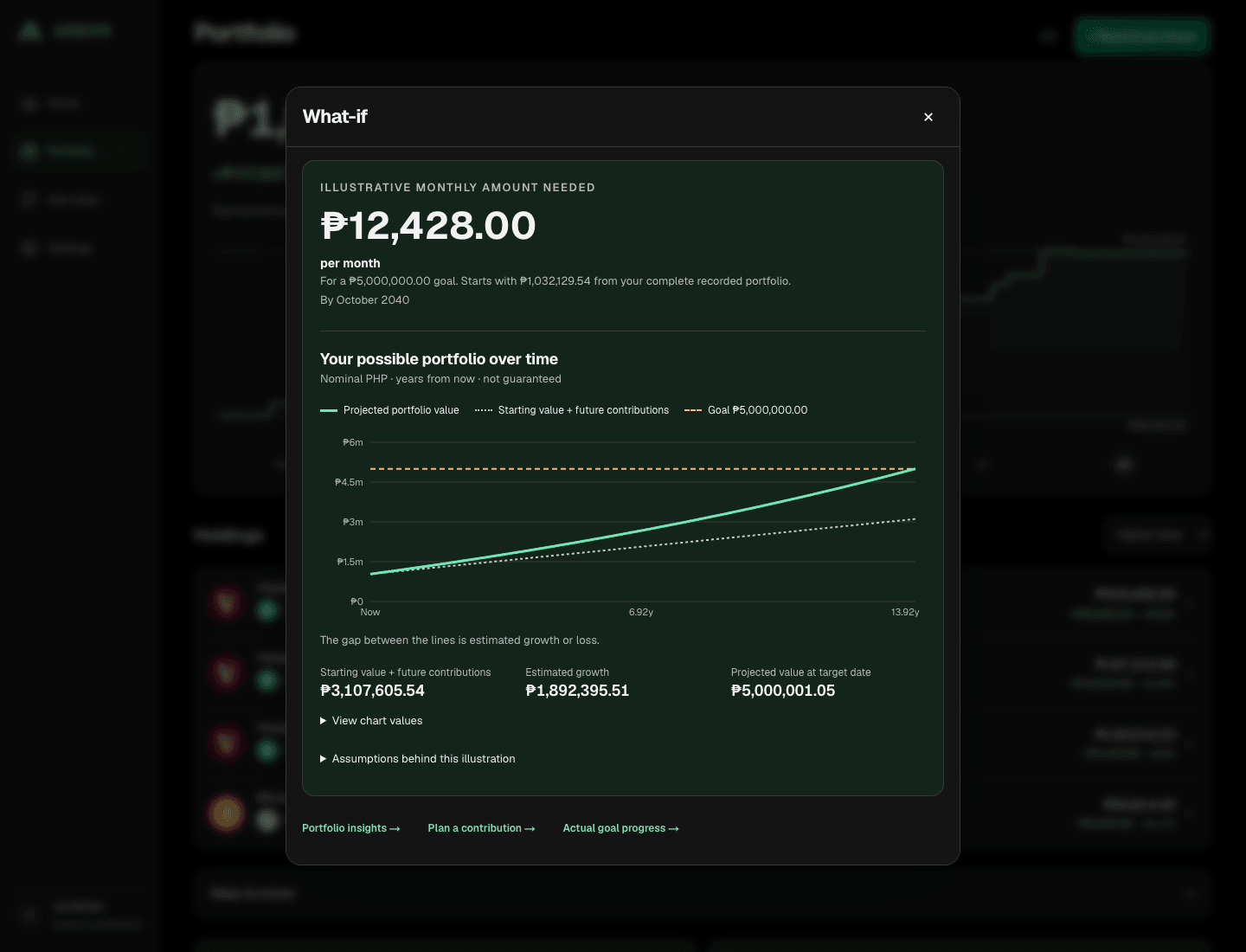
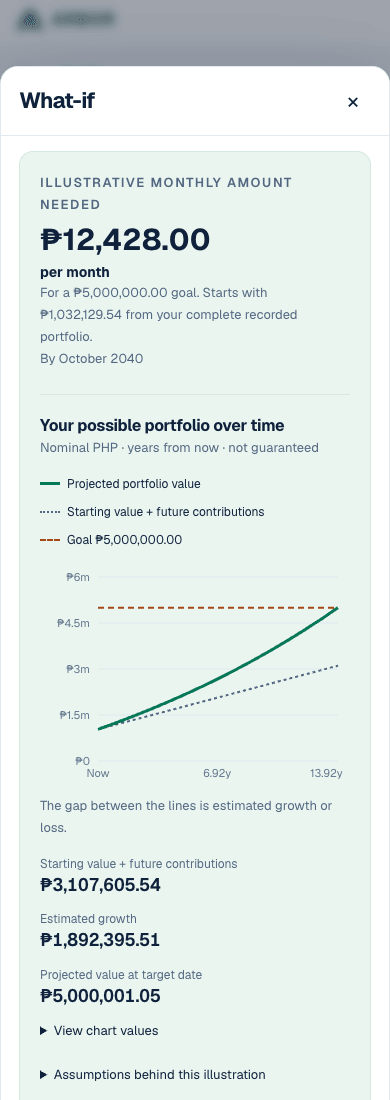
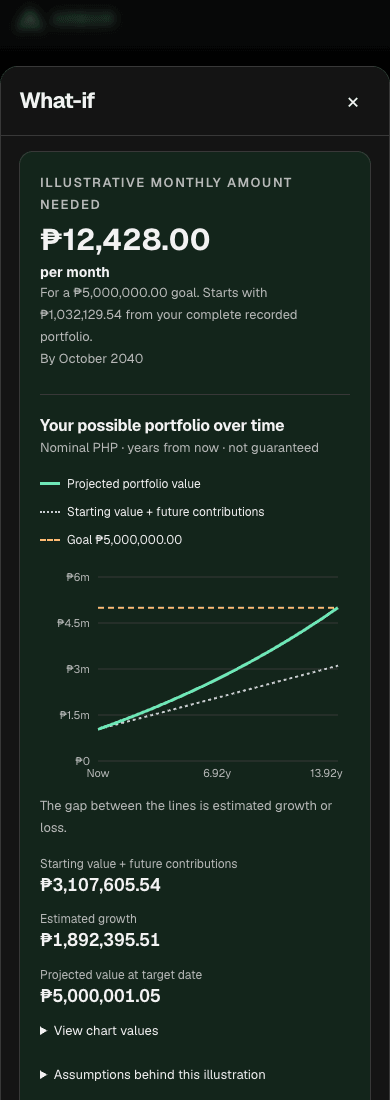
Explore a future portfolio value or the monthly amount needed for a goal. The chart separates your starting value plus future contributions from estimated growth or loss. Reach my goal adds a horizontal target line.
Arbor Plus · Portfolio Insights
See the largest difference from your chosen targets and a relevant next step. Recorded monthly patterns and your current allocation are open from the start. Explore quote dates or past comparisons when you need more detail. Missing values and missing history stay visible.
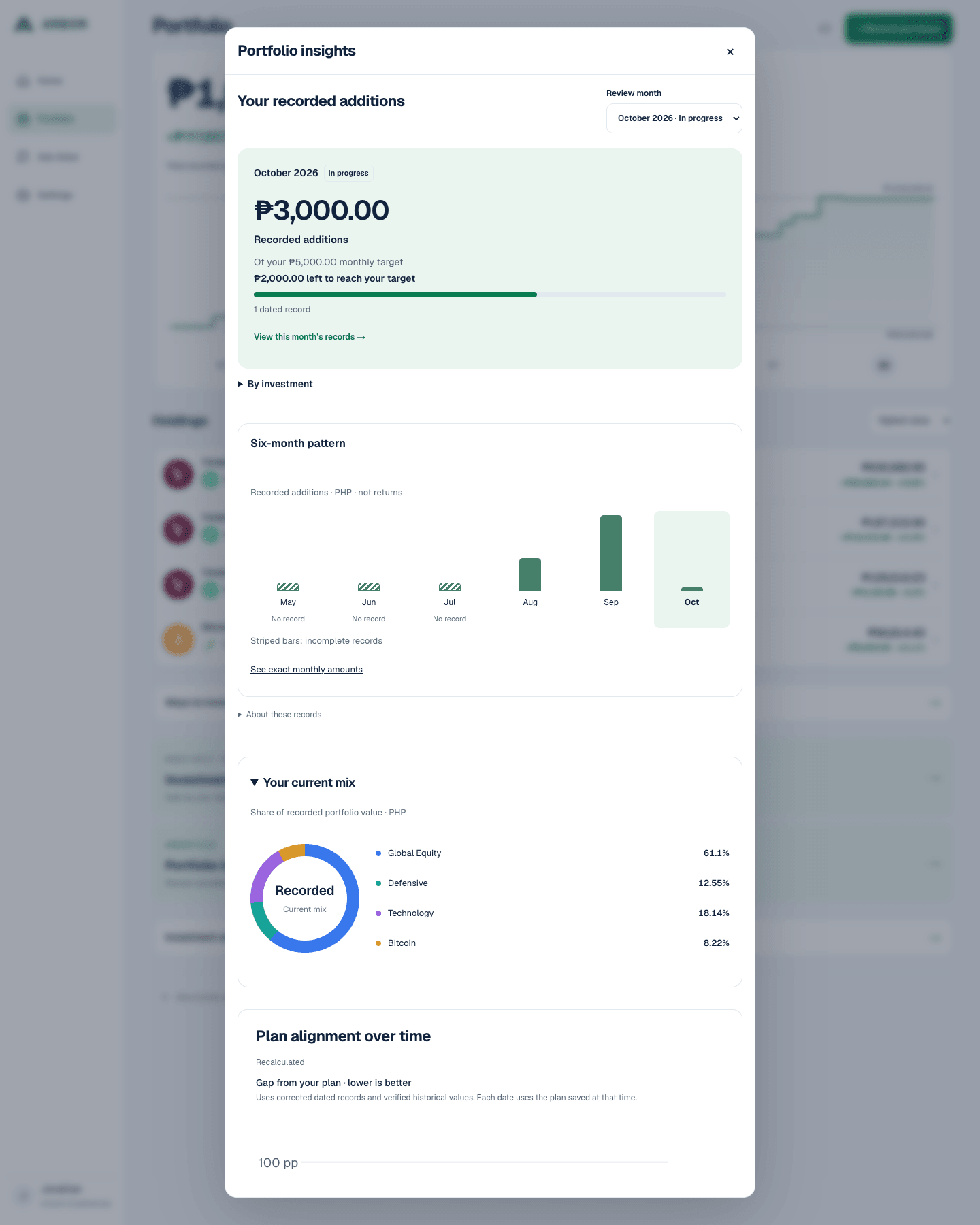
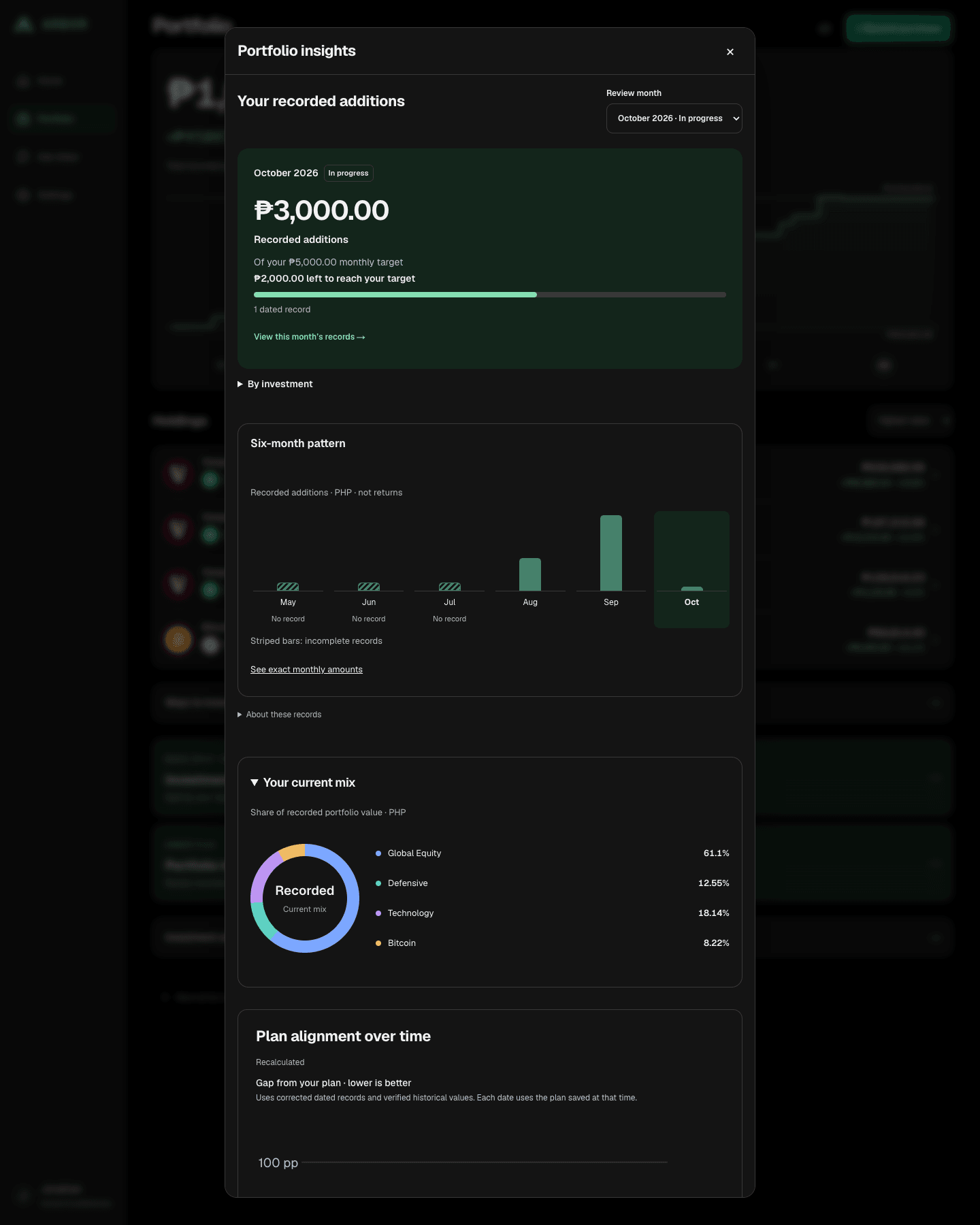


Arbor Plus: understand allocation drift. Compare recorded asset-class percentages with your chosen targets. This difference is not a risk score or a buy/sell instruction. Plan Alignment over time uses the plan valid at each date; missing history stays unavailable.
Monthly progress is core Arbor. Home and Ask Arbor show recorded purchases against this month’s target. Plus Monthly Review adds the monthly comparison and detail. Opening holdings, corrections and investment gain stay separate. Budget edits update this month; closed-month targets stay unchanged.
Arbor Plus: connect the views. Move between Insights, holdings-aware planning and What If, then return to actual goal progress. Explore a future value or use Reach my goal to illustrate the monthly amount needed for a PHP target and date, starting with your complete recorded portfolio. These scenarios leave your saved goal, budget and records unchanged. Current goal progress uses recorded reference values; future illustrations use your chosen plan’s assumptions and nominal future PHP, without inflation adjustment.
Private-beta members currently receive an Arbor Plus trial. Subscription checkout is not available yet.
Learn + Ask Arbor
Short lessons and plain-language explanations, right alongside your plan.
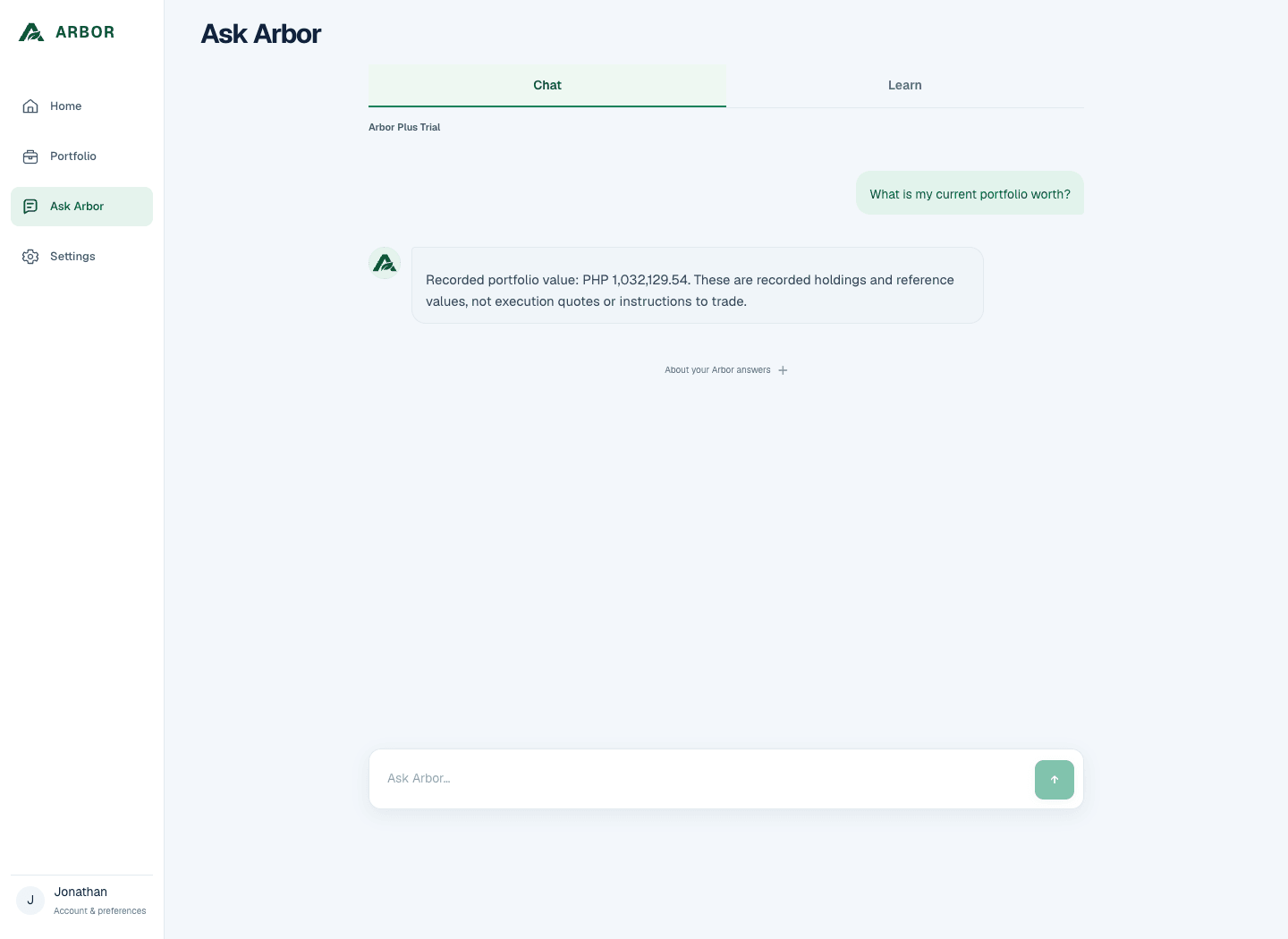
Learn lives inside Ask Arbor. Explore a lesson or ask a supported question about your plan, portfolio or recorded monthly progress. Get help with choosing a provider or recording a purchase—in English, Tagalog or Taglish.
Explanations use available Arbor records. Missing information stays visible. Your investment decisions stay yours. You can mark an answer helpful or not helpful.
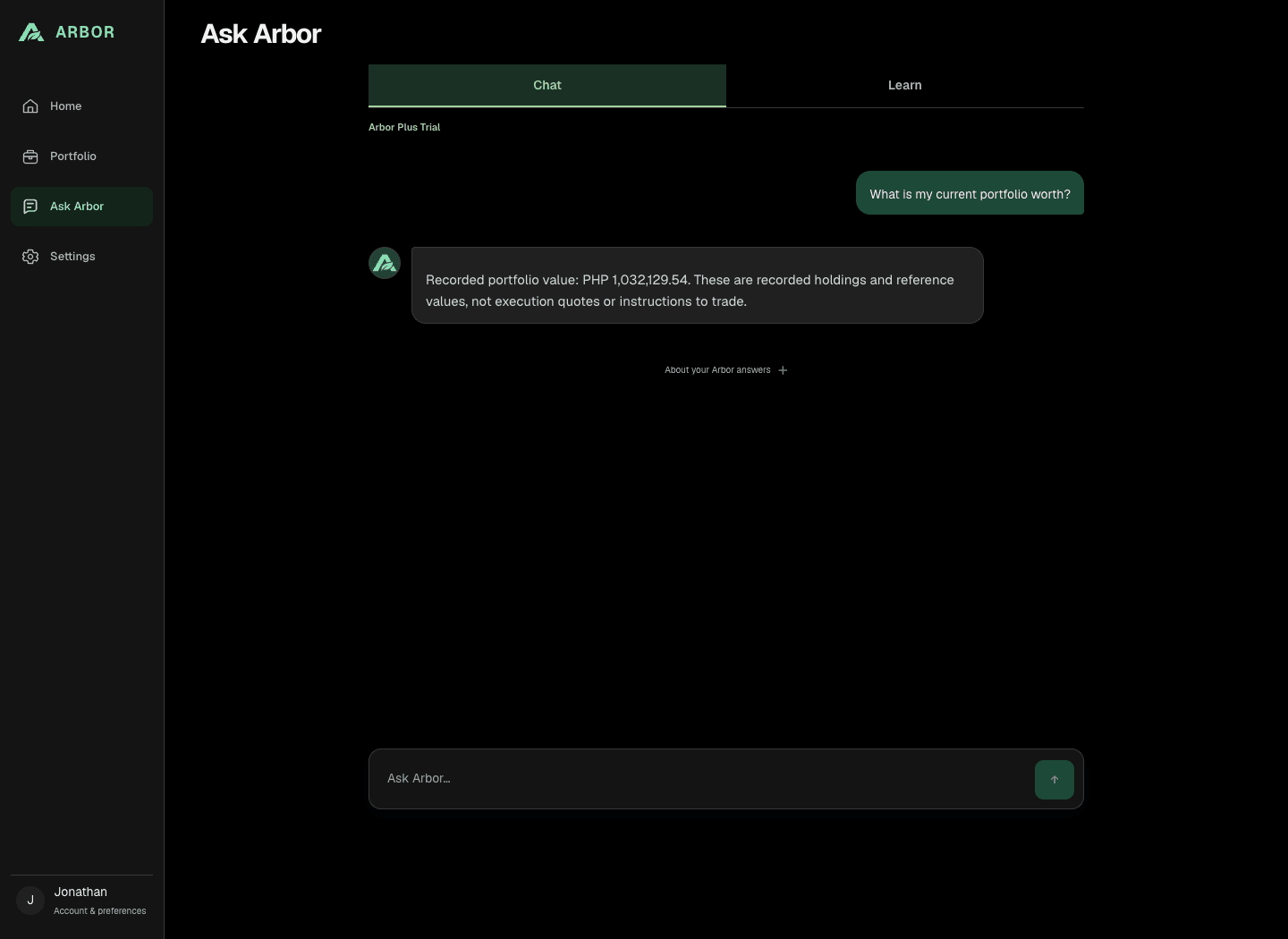
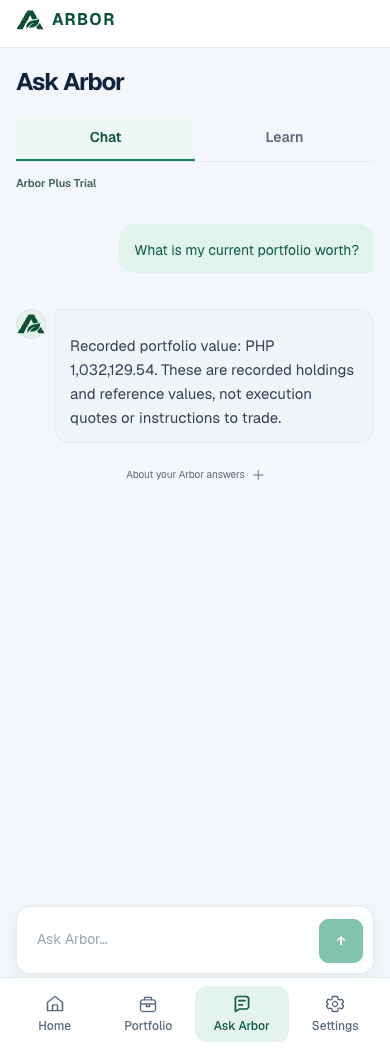
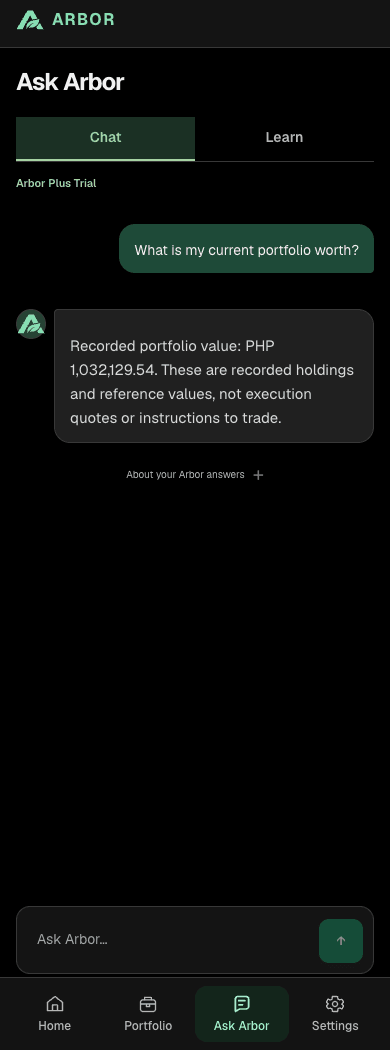
Ask Arbor · How to record an investment
Clarity, without giving up control
Arbor does not hold your money or place trades. You choose your plan and where to invest.
What you paid stays separate from reference market values. Missing information is shown honestly.
Keep perspective over years. No trading signals, rankings or promises of returns.
A curated set of US ETFs, ATRAM and BPI funds, and Bitcoin through
GFunds · Gotrade · DragonFi · GCrypto · Coins.ph · PDAX
Provider names identify supported paths. No partnership or endorsement is implied.
Arbor helps Filipinos invest simply and for the long term. You choose your approach and provider. Arbor tracks your recorded investments and explains your progress.
No. Arbor does not hold your money, place trades or open investment accounts. You invest through your chosen provider. Arbor helps you calculate, track and understand.
When your plan allows it, Ways to invest shows supported products and providers. You can choose later; your saved plan stays available. Buy with your chosen provider, then return to record the purchase date, units or shares, and actual PHP paid. Review your details before saving. Provider eligibility, fees and availability still apply.
The current beta supports Vanguard VT, VGT and BND through Gotrade; selected ATRAM funds through GFunds and BPI funds through DragonFi; and Bitcoin through GCrypto, Coins.ph and PDAX. It supports a curated set of products, rather than everything on those platforms. Provider names do not imply partnerships.
Yes, for supported products. Record your existing holdings and available cost information. Arbor does not sync brokerage accounts or automatically import transactions. Some historical values or gain calculations may be unavailable when records or reference data are incomplete.
Yes. Arbor is Philippines-first, with PHP planning, supported local ways to invest, short Learn lessons and plain-language explanations. You do not need professional finance terminology to get started.
No. Contributions are part of what you invested, not profit. Arbor separates recorded cost from portfolio value and shows gain/loss for the selected period when the necessary accounting context is complete.
No. Investments can lose value. Plans and projections help you explore possibilities; they are not guaranteed outcomes or instructions to buy or sell.
A basic monthly split using your saved targets, current monthly budget progress, factual portfolio tracking and Learn are Free capabilities. Plus adds adjustments using recorded holdings, asset-class allocation and Plan Alignment over time, Monthly Review, Projection & What If, and deeper portfolio-aware explanations. These views connect back to actual goal progress. Current private-beta access is described below.
Private-beta members currently receive an Arbor Plus trial. Subscription checkout and public Free access are not active. Get started opens the current account-creation flow; no pricing or billing date has been announced here.
A clearer next step
Join the private beta. Keep the decisions yours.
Get started Already a member? Sign in